Photo tips
How to Take the Perfect Photo of Your Dog for a Portrait
The photo is the biggest factor in a great dog portrait. How to get a sharp, well-lit, eye-level shot on your phone, plus what to do with old or imperfect photos.
By the Pup Prints team 5 min read
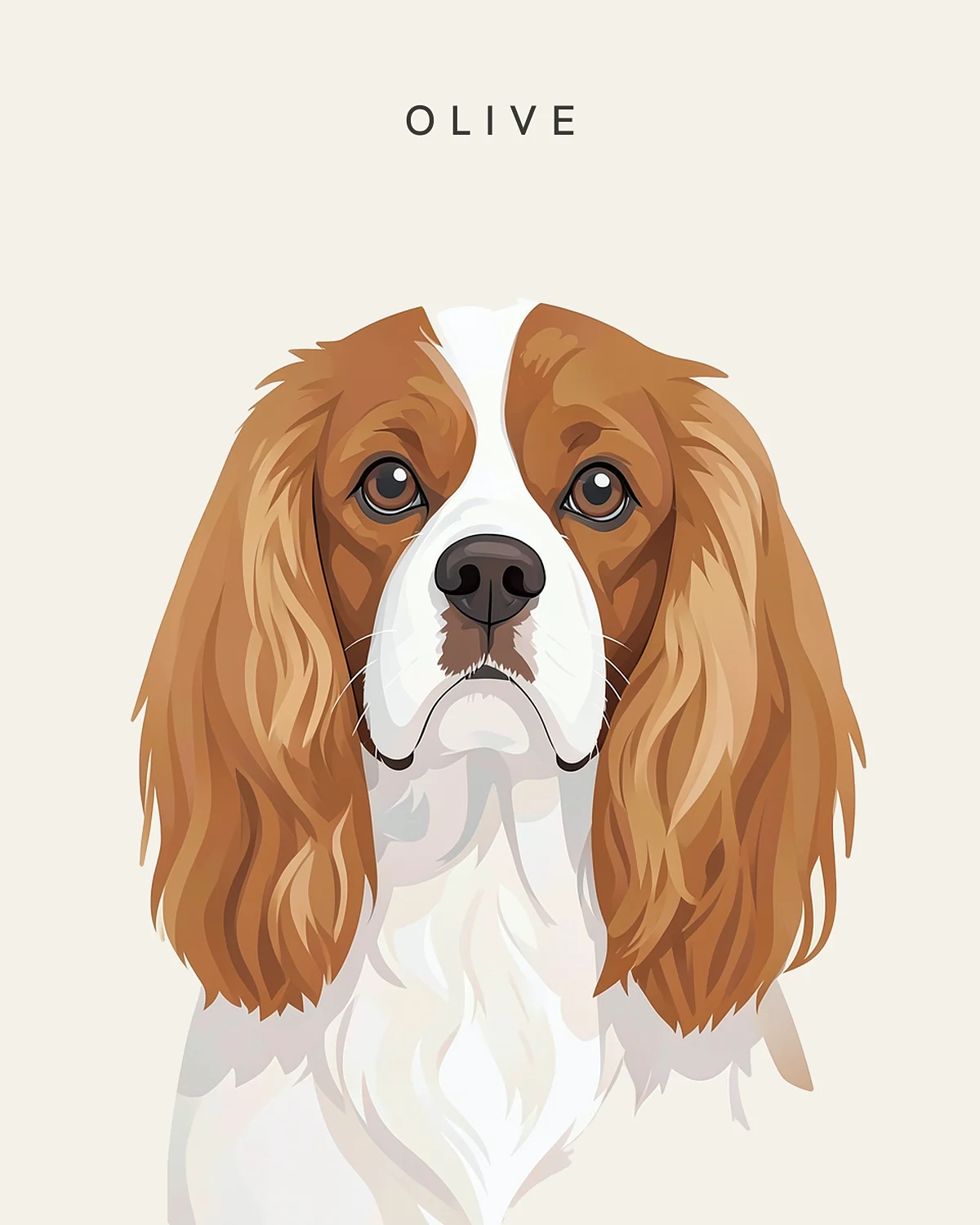
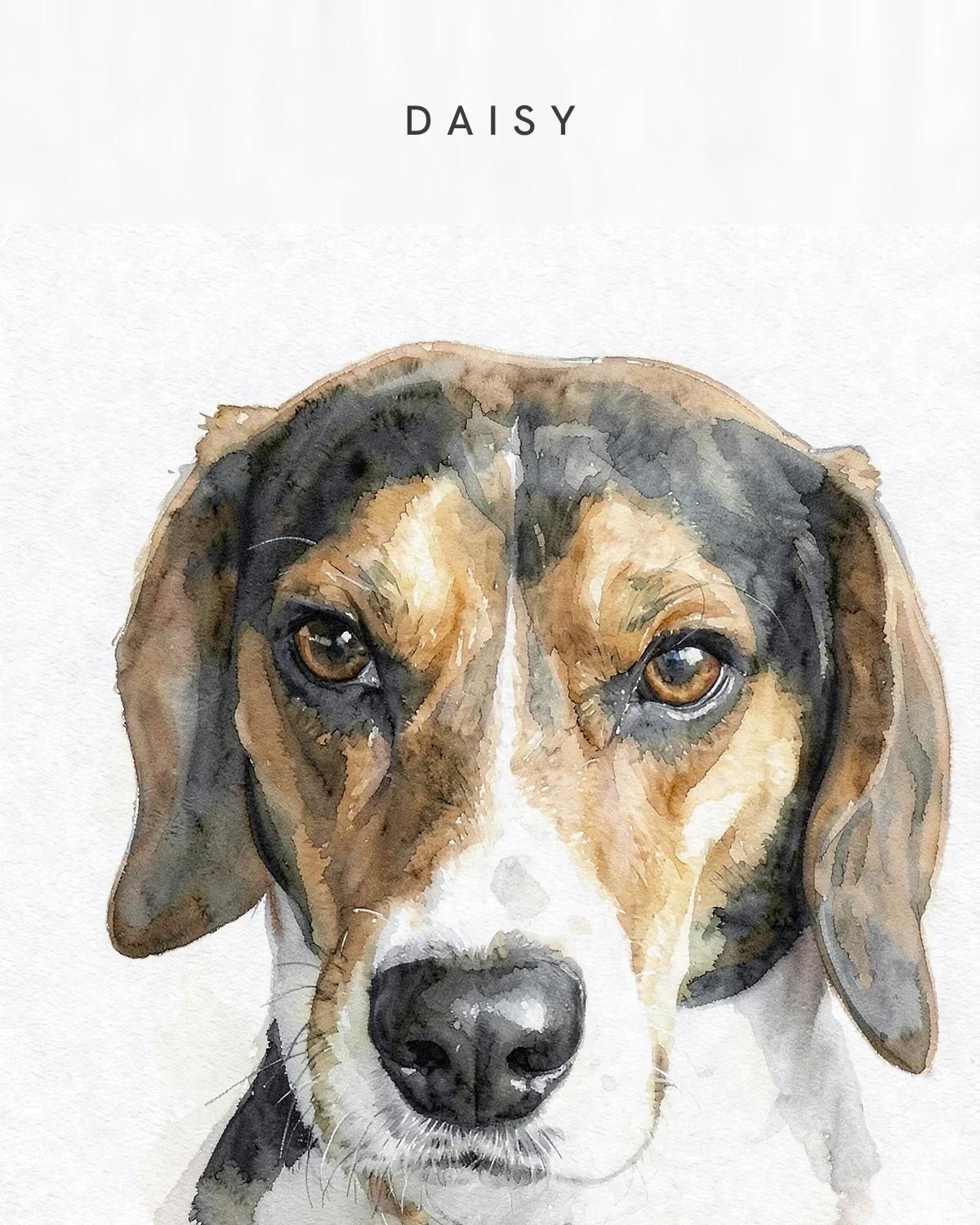
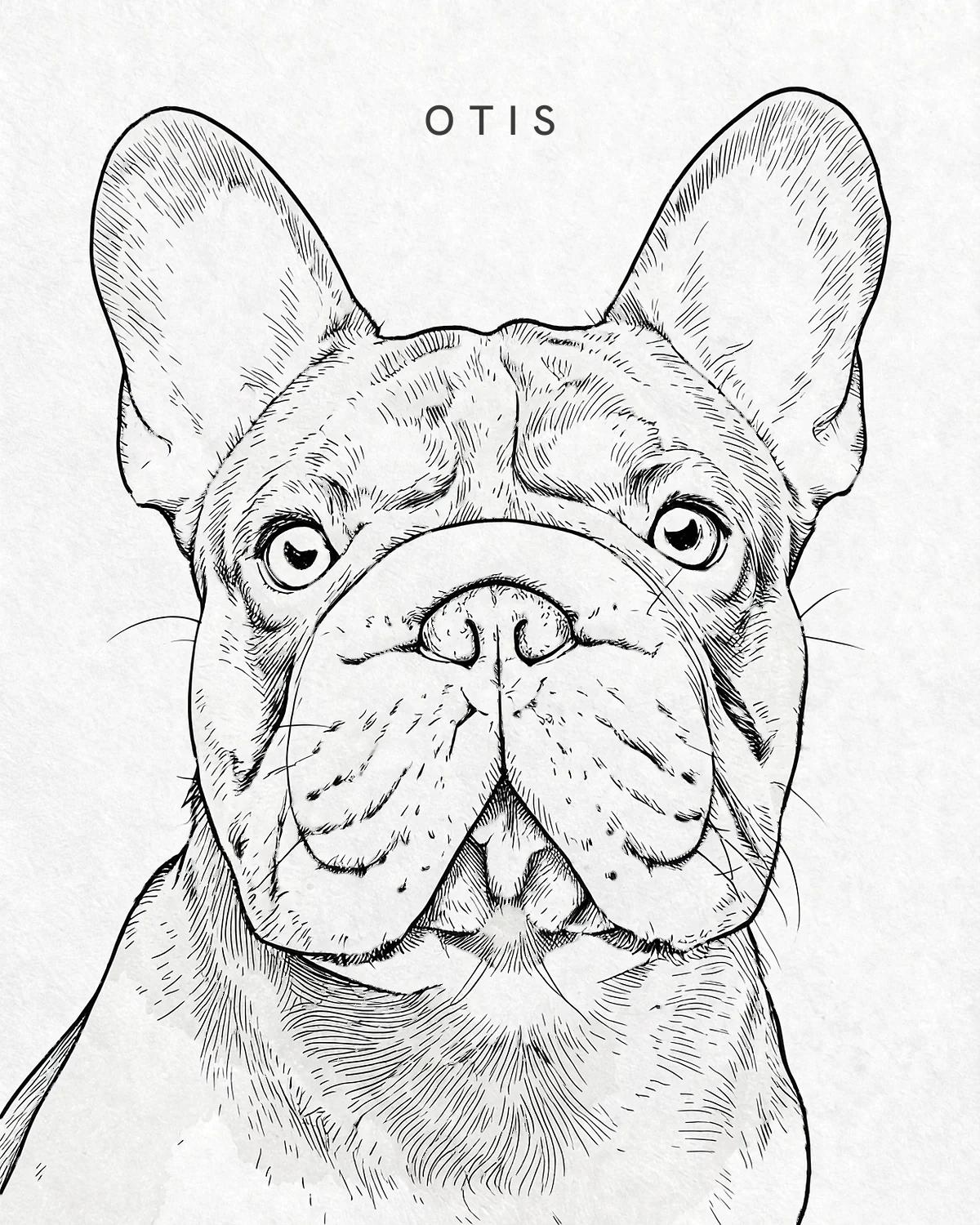
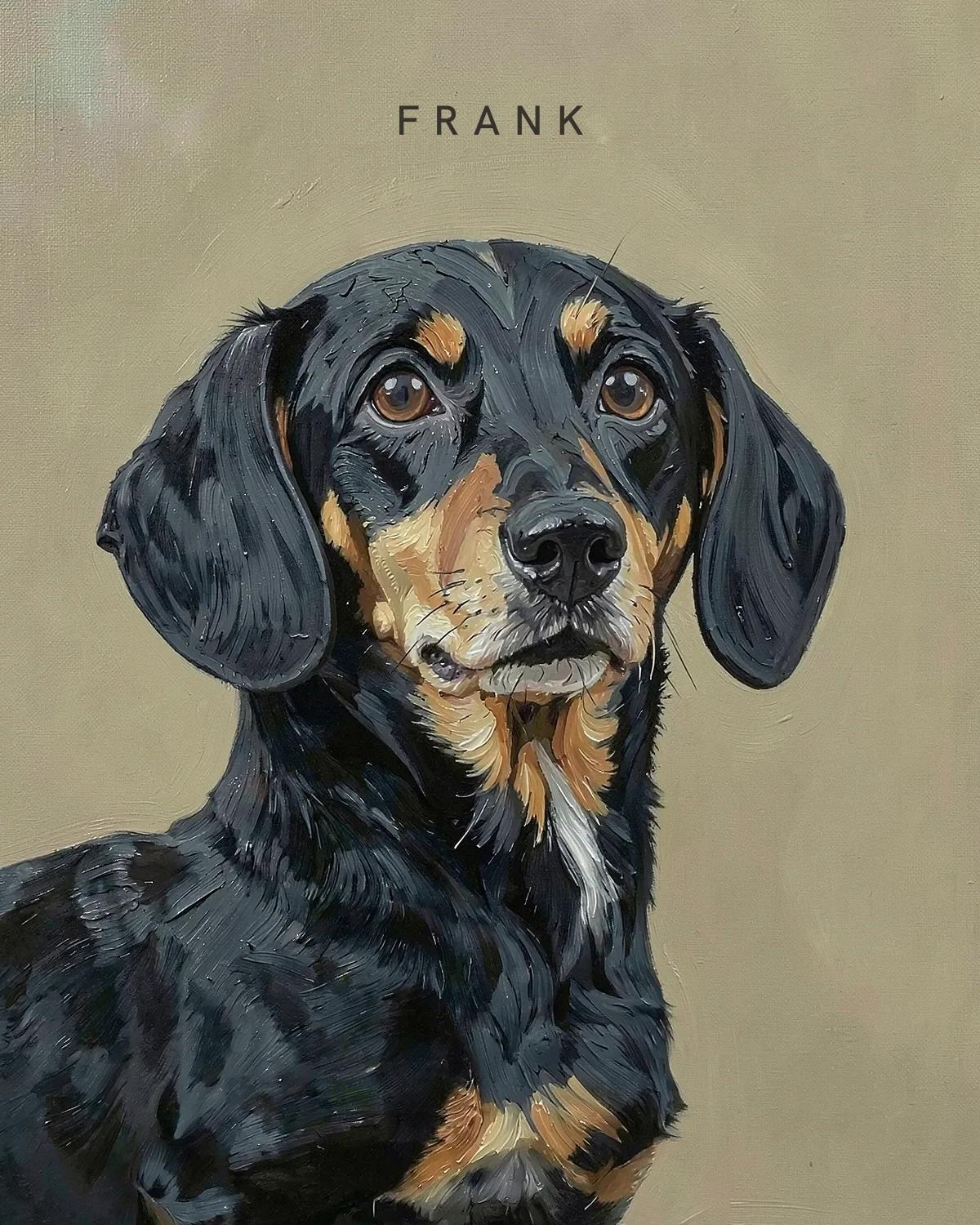
Here's the secret nobody tells you about custom dog portraits: the art can only be as good as the photo. A great photo gives the portrait everything it needs to look unmistakably like your dog: the exact shape of the ears, the color of the eyes, the little white patch under the chin and the way their brow lifts when they hear the treat bag. The good news is that you don't need a fancy camera. You need a phone, a window and about ten minutes.
What makes a portrait-ready photo
Before we get into tricks, here's what we're looking for. If your photo ticks most of these boxes, you're in great shape:
- Sharp eyes. Zoom in. If the eyes are crisp, almost everything else can be forgiven.
- Soft, natural light. Daylight from a window or open shade, not flash and not harsh midday sun.
- Eye level. The camera at your dog's eye height, not looking down from yours.
- Close, but not too close. Head and shoulders filling most of the frame, with a little space around the ears.
- Both eyes and both ears visible. Ear shape is one of the biggest clues to who your dog is.
- One dog per photo. Each portrait features a single dog, so if you have a pair, photograph each of them.
Find the light
Light does more for a portrait photo than any camera setting. The best light is bright but soft: think of the light just inside a big window on an overcast day, or the shade of a tree on a sunny afternoon. Soft light shows fur texture and wrinkles, keeps colors true and puts a little sparkle in the eyes. Photographers call that sparkle a catchlight, and it's what makes a portrait feel alive.
Try to avoid three things:
- Flash. It flattens the face, creates glowing 'laser eyes' and makes dark coats look muddy.
- Midday sun. Hard shadows under the brow hide the eyes, and white or cream coats blow out to pure white.
- Backlight. A dog sitting in front of a bright window turns into a silhouette. Turn them around so they face the window instead.
Get down to their level
Most dog photos are taken from human height, looking down. That angle shrinks the body, exaggerates the head and hides the chest. It's fine for a quick snap, but not for a portrait. Crouch, kneel or lie on the floor so your phone is level with your dog's eyes. For small breeds like Chihuahuas and Dachshunds, that means the floor. For giant breeds like Great Danes, it means sitting down rather than standing.
A straight-on angle shows symmetrical markings, like a Husky's mask or a Boston Terrier's white blaze. A slight three-quarter turn shows off a long muzzle, which flatters breeds like German Shepherds and Dobermans. Both work. Just make sure you can see both eyes.
Get their attention (without chaos)
Every dog owner knows the moment: you raise your phone and your dog immediately looks away, lies down or trots over to lick the lens. A few tricks help:
- Hold a treat or toy right above your phone. Their eyes will follow it straight to the lens.
- Make a new sound. A squeak, a kissing noise or a 'who's that?' gets ears up and heads tilted. It only works a few times, so be ready.
- Recruit a helper. One person holds the treat behind the phone; the other takes the photo.
- Use burst mode. Take a rapid series of shots and pick the sharpest one later.
- Tire them out first. A walk or a game of fetch before the photo session gets you a calmer model.
Puppies and high-energy breeds rarely sit still, so catch them when they're sleepy, near a window. A sharp face matters far more than a perfect pose.
Frame it like a portrait
Our portraits are composed around your dog's head and shoulders, so that's what the photo needs to show clearly. Fill most of the frame with your dog, but leave some breathing room around the ears and the top of the head. Clipped ear tips are one of the most common reasons a portrait looks slightly 'off', especially for big-eared breeds like French Bulldogs and Corgis.
Don't worry about the background. Each style creates its own setting, from a candlelit palace to a meadow of wildflowers, so the laundry basket behind your dog won't make it into the art. Focus on the dog, not the backdrop.
Phone settings that help
- Use the main (1x) lens. Ultra-wide lenses distort faces up close and make noses look enormous.
- Turn the flash off. Set it to off, not auto.
- Be careful with portrait mode. It can blur the edges of ears and fur. If the outline looks smudgy, switch back to the regular photo mode.
- Tap to focus on the eyes. On most phones, tapping the screen sets both focus and brightness.
- Skip the filters. Filters shift coat and eye color, which is exactly what you want the portrait to get right. Upload the original.
- Send the original file. Screenshots and photos forwarded through messaging apps are often compressed. JPG, PNG, WebP and HEIC (the iPhone default) all work.
What if you only have old or imperfect photos?
This matters most when a dog has passed away, so it's worth saying clearly: an imperfect photo you treasure is a fine place to start. Older, slightly blurry or low-resolution photos often work better than people expect, particularly in forgiving styles like Watercolor and Charcoal. The simplest thing is to try a few and see.
A few things help when you're working with older photos:
- Upload the full photo. Let the portrait do the framing rather than uploading a heavily zoomed screenshot.
- Choose the clearest face over the best moment. A plain photo with sharp eyes often makes a better portrait than a blurry action shot.
- Photograph printed photos carefully. Lay the print flat in daylight and shoot it straight on, avoiding glare and shadows.
The quick checklist
- Daylight from a window or open shade
- Camera at your dog's eye level
- Sharp eyes, with a sparkle of light
- Both ears in the frame, with space around the head
- No flash, no filter, main lens
- The original file, not a screenshot